








Start With Wattage and Device Mix
A charging setup works best when it is planned around the devices that actually need power. Phones, tablets, laptops, earbuds and handheld electronics do not all draw the same amount of energy, and the fastest charger on paper is not automatically the most sensible option for every desk or travel bag. Anker sells wall chargers, power banks, hubs and cables across a wide range of output levels, making device mix a useful starting point for deciding what belongs in a practical kit.
The first specification to understand is wattage. A small phone may charge comfortably from a compact lower-output adapter, while many laptops need substantially more power. Multi-port chargers complicate the picture because their advertised maximum output can be distributed differently when several ports are used at once. A buyer therefore needs to look at both total output and per-port behaviour instead of assuming every connected device receives the full headline wattage.
Charging standards matter too. USB-C Power Delivery has made it possible for one charger to support many modern devices, but cables and connected hardware still influence the final result. Anker offers higher-output USB-C chargers intended to power laptops as well as smaller electronics, yet compatibility should always be checked against the specifications of the device rather than inferred from connector shape alone.
Match Capacity to the Day Ahead
A power bank is easier to choose when capacity is tied to a realistic routine. Someone commuting with a phone and earbuds has different needs from a traveller carrying a laptop, tablet and camera. Capacity is commonly stated in milliamp-hours, but that number does not translate directly into an exact number of full charges because voltage conversion and efficiency losses reduce the usable energy delivered to a device.
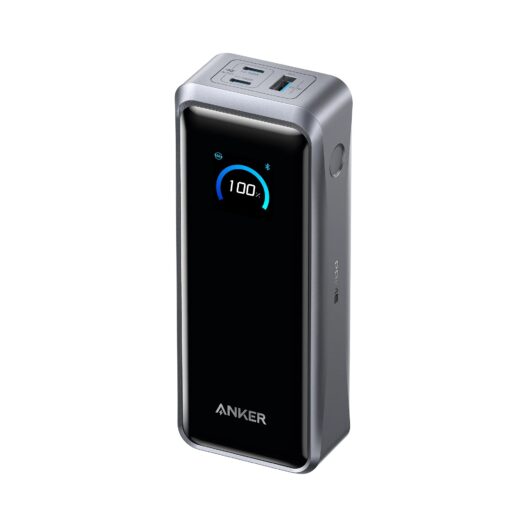
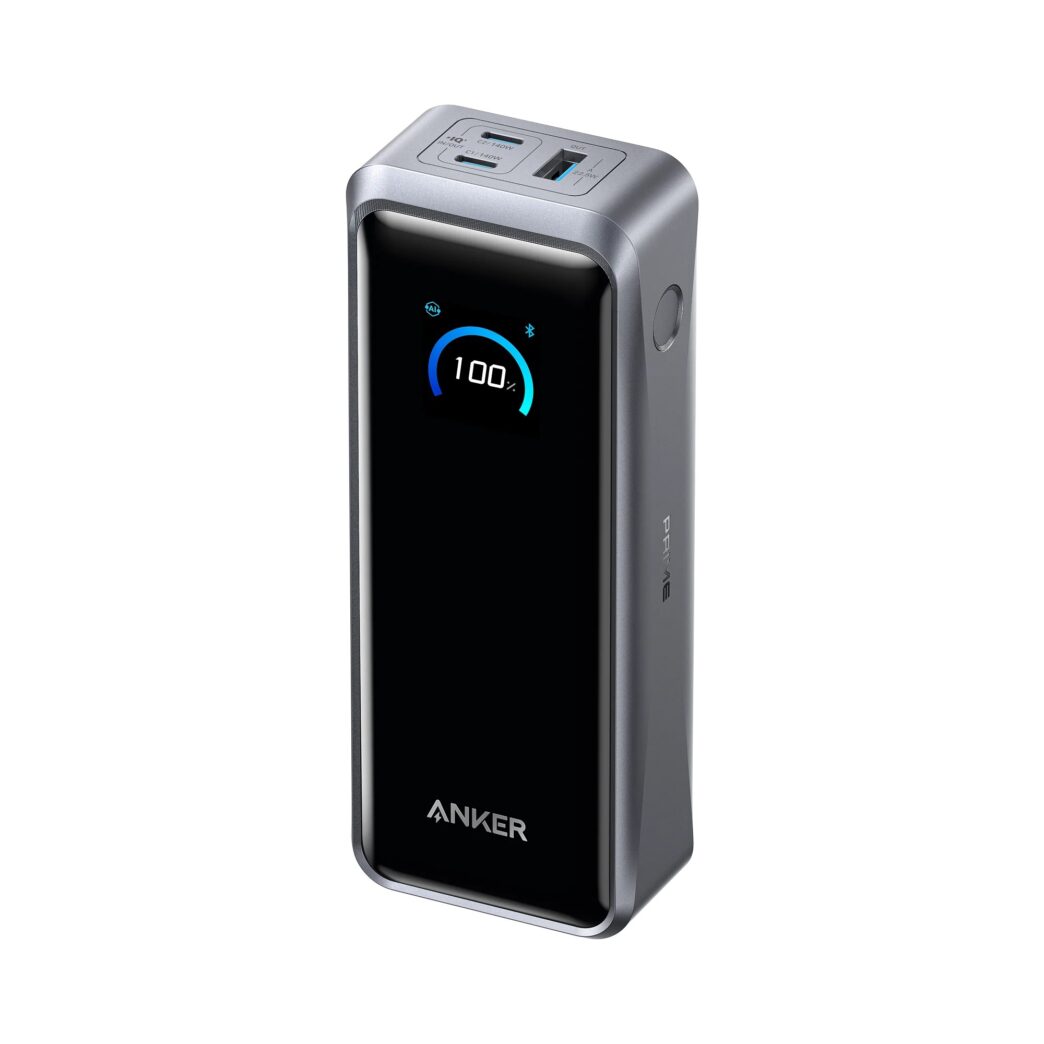
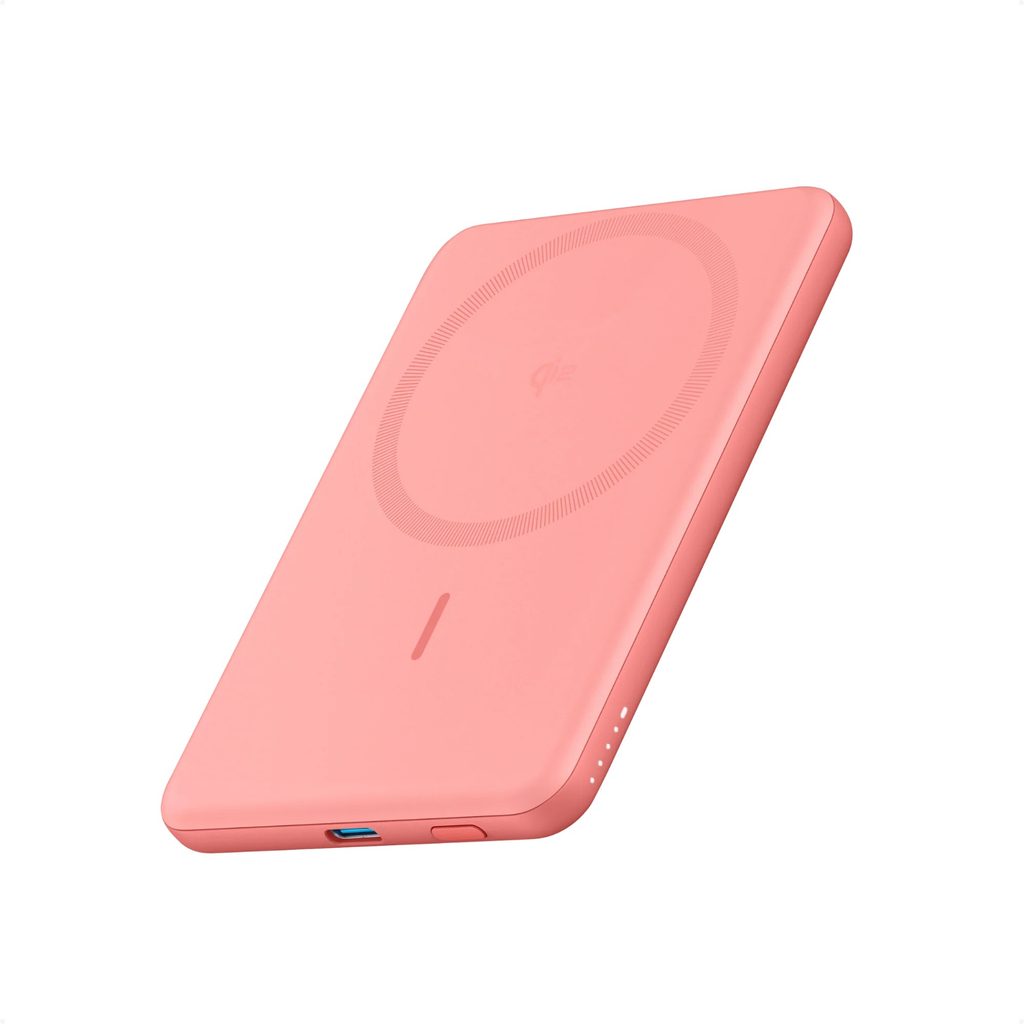
Larger batteries offer more reserve but also add weight and bulk. That trade-off is important. A high-capacity model can be useful on long journeys or during days with limited access to sockets, while a slim magnetic or pocket-sized battery may be more convenient for short outings. Products from Anker range from compact everyday units to larger power banks capable of high-output laptop charging, so portability should be treated as part of performance rather than as a separate concern.
Air travel introduces another practical check. Airlines and aviation authorities often apply rules to spare lithium batteries and power banks, including where they may be carried and limits based on watt-hours. Travellers should check the current rules for the airline and route before packing. This is a better habit than assuming that a product marketed as portable is automatically permitted in every travel situation.
Check the Whole Charging Chain
Good charging performance depends on more than the power adapter. A setup should be viewed as a chain in which the charger, cable, hub and device all have to support the desired speed and function.
• Confirm the device charging requirement before choosing a charger with a much higher or lower output.
• Use a cable rated for the power level and data features required by the connected device.
• Check how a multi-port charger divides output when several devices are connected at the same time.
• Match a power bank capacity to realistic daily use rather than choosing the largest model by default.
• Keep travel rules, cable length and socket access in mind when assembling a portable charging kit.
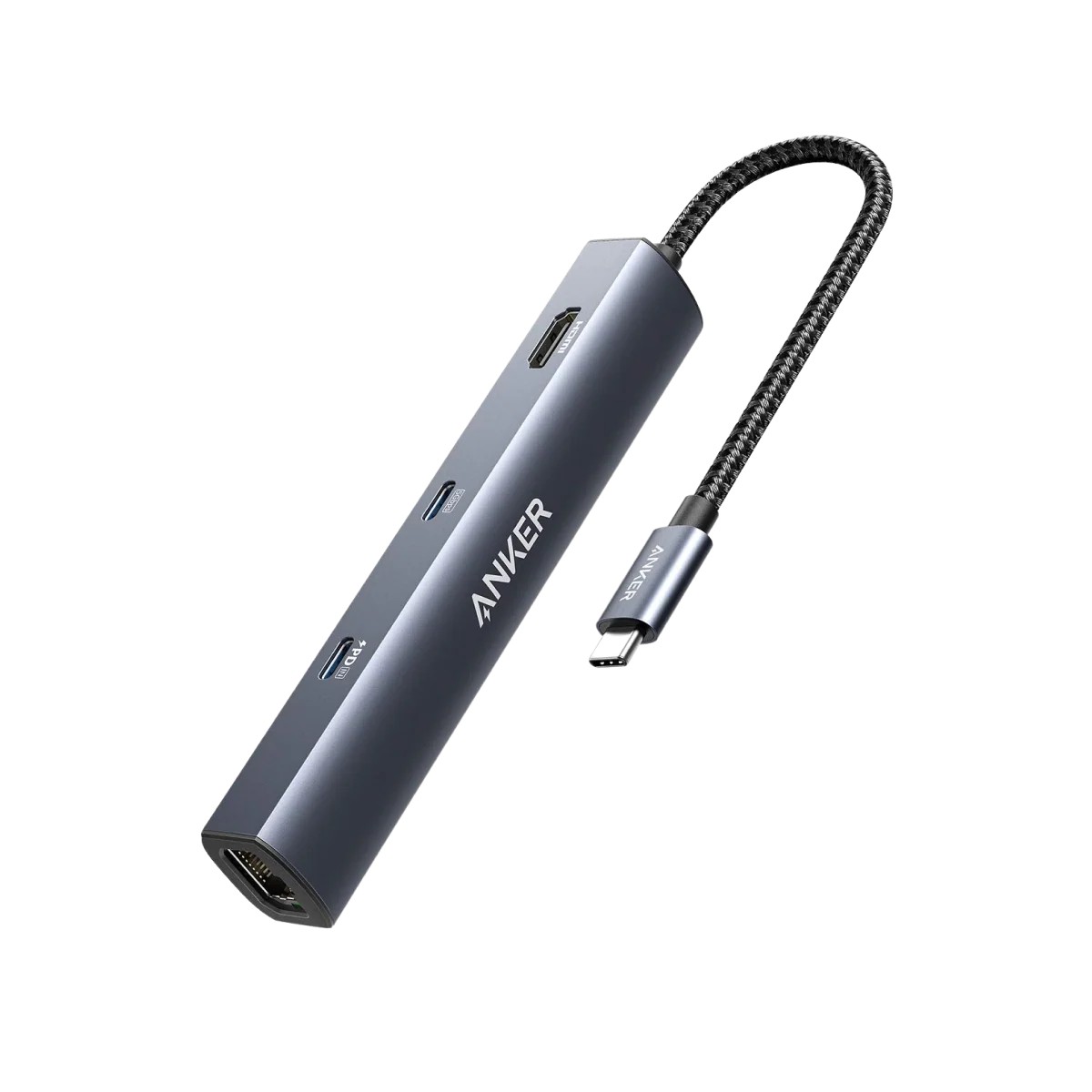
This chain approach is especially important with docks and hubs. A hub may add HDMI, card readers, USB ports or pass-through charging, but those functions depend on the host computer and the cable connection. Anker sells multi-function USB-C hubs alongside chargers, which makes it useful to distinguish between a device that merely expands ports and a device that also has enough power input to support the intended workstation.
Keep Portability in Balance With Power
A home desk can support a larger charger and permanent cable layout, while a travel kit benefits from fewer components. The most efficient approach is often to build a small core around devices that share USB-C, then add specialised adapters only when a particular piece of equipment requires them. This reduces duplicate cables and makes it easier to notice when one component is missing.
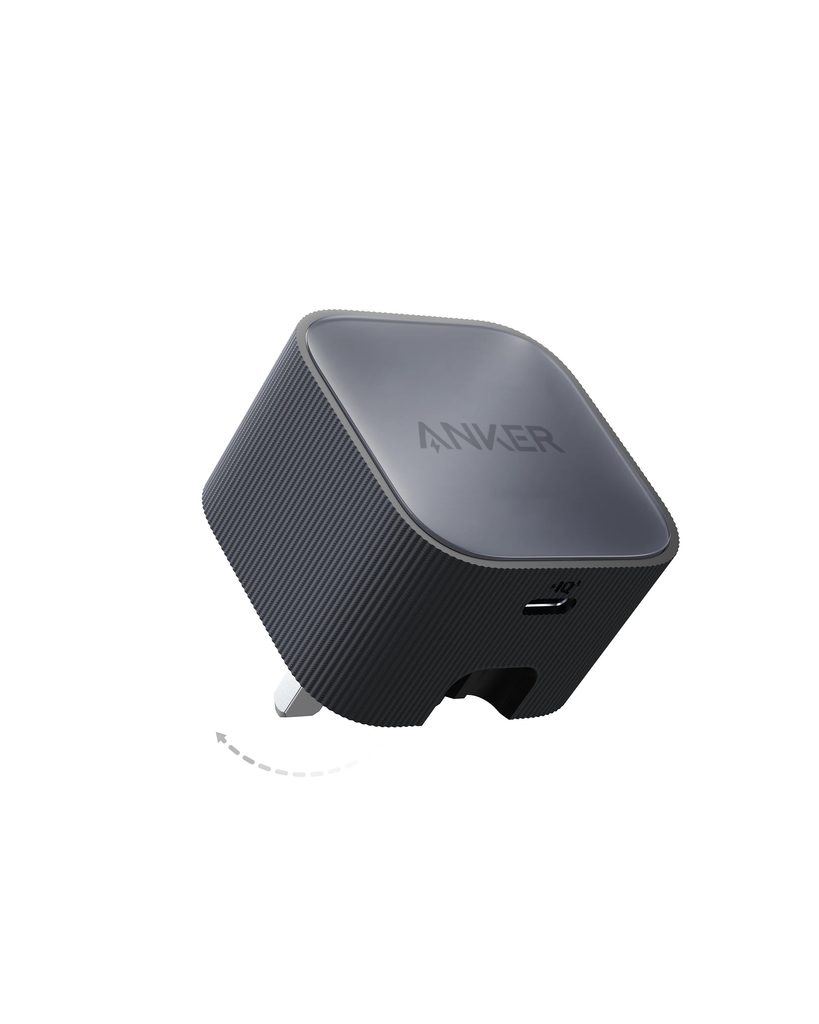
Heat and placement deserve practical consideration too. Chargers and batteries can become warm during high-power operation, so they should be used with ventilation and according to the manufacturer’s instructions. Damaged cables, swollen batteries or connectors that fit poorly should not remain in regular use. Basic inspection is a small part of routine maintenance but can prevent unreliable charging and avoid unnecessary stress on devices.
A well-balanced setup from Anker or any comparable charging ecosystem is ultimately defined by compatibility rather than by owning the highest-output accessory in every category. The useful combination is one that can power the main devices at appropriate speeds, travel without excessive bulk and connect through cables that support the same standards. When wattage, capacity, port sharing and portability are considered together, charging equipment becomes easier to compare and much less likely to be purchased twice.