









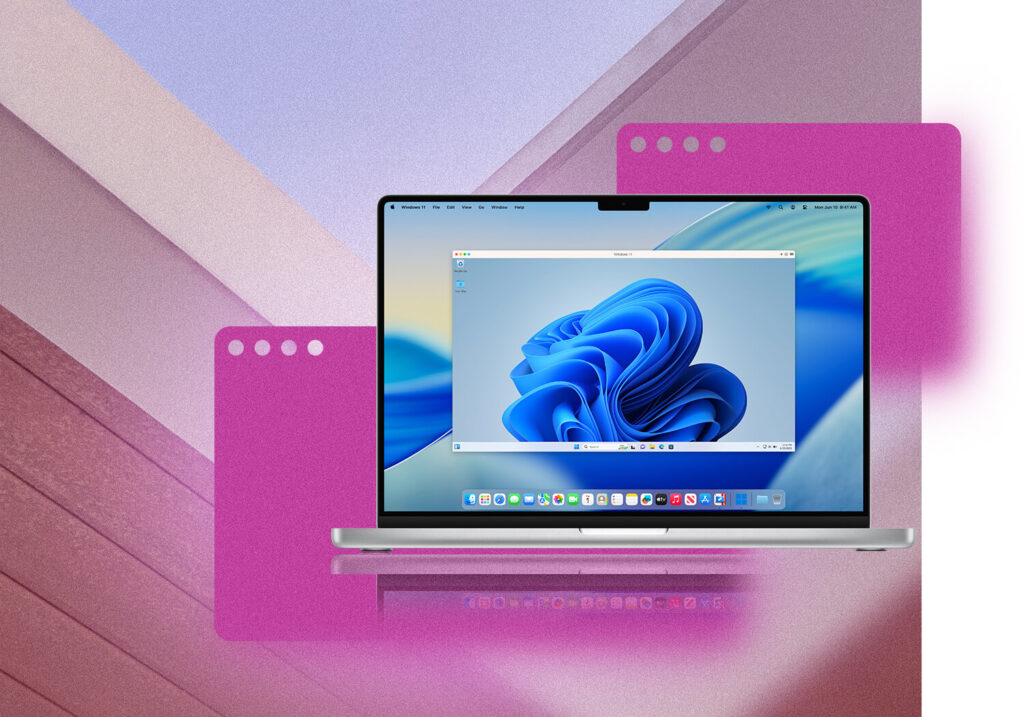
There was a time when using Windows apps on a Mac felt like a compromise. People either kept a separate PC nearby or went through the hassle of rebooting their Mac just to access one program. That friction is quietly disappearing, and a big part of that shift comes down to how tools like Parallels have changed the experience.
Instead of treating macOS and Windows as two separate worlds, the line between them now feels almost invisible.
Working Across Systems Without Breaking Focus
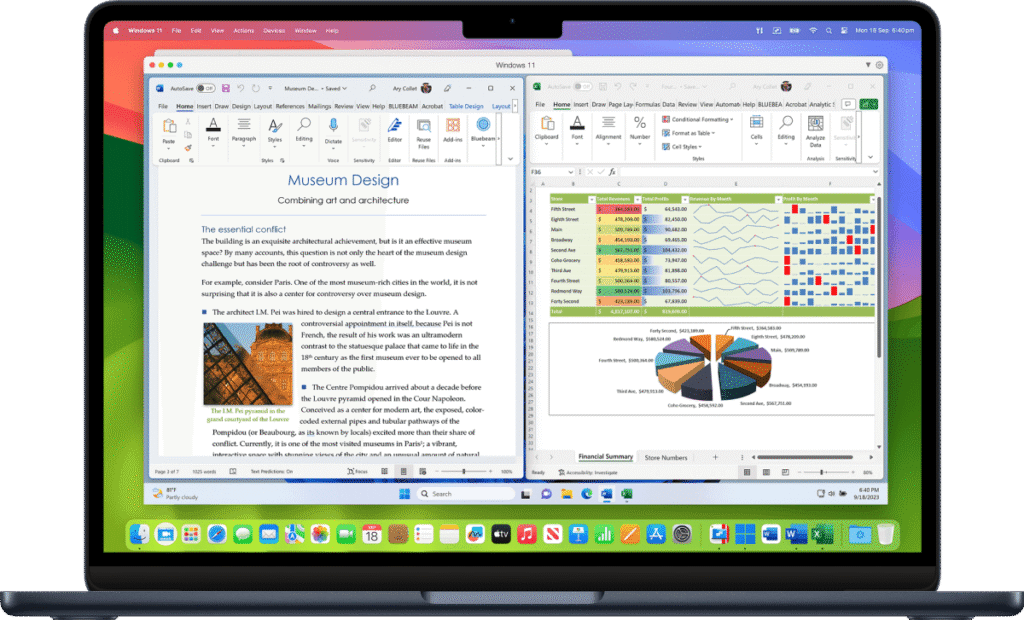
The real difference shows up in everyday tasks. Opening a Windows-only accounting tool while replying to emails in macOS no longer feels like switching environments. It feels like opening another app.
That might sound small, but it completely changes how people approach their workflow. Designers can test layouts in Internet Explorer without leaving Safari. Developers can run cross-platform environments without juggling devices. Students can access required Windows software without giving up the Mac they prefer.
With Parallels, that transition happens in seconds, and more importantly, it feels natural.

Why This Shift Matters More Than It Seems
People are no longer choosing between Mac and Windows in the same rigid way. The decision is becoming more about flexibility than loyalty to a system.
This is especially noticeable in situations like:
- Running Windows apps that simply do not have Mac alternatives
- Testing software in a virtual machine without setting up extra hardware
- Managing files across both systems with ease
- Using remote desktop setups alongside local applications
Instead of adapting your work to your device, the device adapts to how you work.
That subtle shift is why more users are exploring solutions like Parallels rather than investing in a second machine.
A More Natural Way to Use a Mac
One of the most overlooked aspects is how smooth the experience feels. You are not dealing with clunky interfaces or constant system switching. Windows apps can sit right next to macOS apps, share files, and even respond to the same gestures.
For many users, this removes the mental barrier that used to come with cross-platform work. It no longer feels technical. It just feels practical.
Even performance, which used to be a concern, has become far less of an issue. Running a Windows on Mac setup now feels fast enough for most everyday and even professional tasks.
Who Is Actually Using It Today
It is easy to assume this kind of setup is only for developers, but that is no longer the case. The user base has expanded in a noticeable way.
You will find it useful if you fall into one of these groups:
- Professionals relying on niche business software that only runs on Windows
- Students who need access to specific academic tools
- Creators who want to test how their work performs across platforms
- Remote workers juggling different systems for clients
The appeal is not technical complexity. It is convenience.
Less Switching, More Doing
The biggest advantage is not just access to Windows apps. It is the removal of interruptions.
Switching devices or rebooting breaks concentration. Even small delays add up over time. By keeping everything in one place, users can stay in their flow longer.
That is where Parallels stands out. It does not try to replace macOS or Windows. It simply lets both exist side by side in a way that feels seamless.
Where This Trend Is Heading
As more work becomes platform-independent, the tools people choose are starting to reflect that. Flexibility is becoming the priority.
Instead of asking, “Which system should be used?” the better question now is, “How can both systems be used together without friction?”
That is exactly the space Parallels is shaping.
For anyone who has ever hesitated because of one missing Windows app, the solution is no longer complicated. It is already built into how people are working today.