








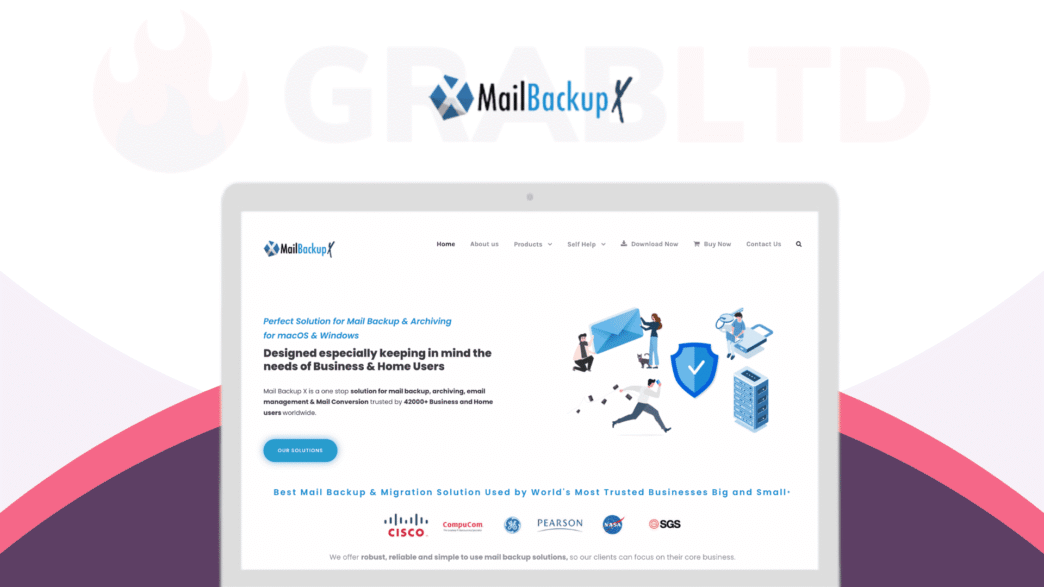
When people search for a Mail Backup X review, the real concern is usually simple. What happens if important emails disappear, get corrupted, or are accidentally deleted. That is where a dedicated backup tool becomes less of a nice extra and more of a safety net.
This Mail Backup X review looks at how well the software handles everyday email protection across different platforms. It also focuses on whether it actually makes backup and recovery simple for non technical users who just want peace of mind.
Multi Platform Support That Covers Common Email Setups

Mail Backup X is built to work with a wide range of email clients, which makes it flexible for both personal and business use.
- supports popular email services like Outlook and Apple Mail
- works with IMAP based email accounts for cloud syncing
- compatible with multiple mail formats in one place
- reduces the need for separate backup tools per account
This flexibility is a key advantage over tools that only support one platform. It helps users keep everything in a single backup system instead of juggling multiple solutions.
Automated Backup That Runs Without Constant Attention
One of the main strengths in any Mail Backup X review is automation. Most users do not want to manually back up emails every day.
- scheduled backups that run in the background
- incremental backup system that saves only new changes
- minimal system disruption during backup processes
- options to set frequency based on user preference
This is where the software stands out compared to manual export methods or basic email archiving tools. Once set up, it reduces the chance of human error.
Easy Email Search And Recovery Options
Finding a specific email in a large archive can be frustrating, especially when time matters. Mail Backup X focuses on making recovery straightforward.
- fast search across backed up email data
- ability to filter by sender, subject, or date
- quick restore of individual emails instead of full backups
- preview options before restoring files
This approach saves time during stressful situations. Instead of digging through folders manually, users can locate what they need quickly.
Local And Cloud Storage Flexibility

Storage options matter when deciding how to manage backups, especially for long term use.
- supports local storage for offline access
- compatibility with cloud storage platforms
- flexibility to switch between storage types
- control over where sensitive data is saved
Having both options is useful for different user needs. Some prefer full local control, while others want cloud convenience. Mail Backup X supports both approaches.
Security Features That Protect Sensitive Emails
Email often contains personal or business critical information, so security is a major factor in any Mail Backup X review.
- encrypted backups to protect stored data
- password protection for backup access
- secure transfer of email data during backup
- reduced risk of data exposure compared to unmanaged storage
This focus on protection makes it more suitable for users handling sensitive communication, especially in business environments.
Performance That Does Not Slow Down Systems
Backup tools can sometimes feel heavy, but performance is an important part of the experience.
- lightweight background processing during backups
- minimal impact on system speed during operation
- efficient handling of large email archives
- stable performance across long backup sessions
Compared to some competitors that slow down systems during large backups, this tool is designed to stay in the background without interrupting daily work.
Where Mail Backup X Could Improve
Even with strong features, there are areas that could be refined.
- interface may feel technical for first time users
- setup process can take time depending on email volume
- pricing may feel high for casual users
- learning curve for advanced configuration options
These points matter more for beginners than for IT focused users who are already familiar with backup tools.
Key Features That Define Mail Backup X Experience
- multi platform support for different email clients
- automated backup system that reduces manual effort
- fast search and recovery for individual emails
- flexible local and cloud storage options
- strong encryption for email data protection
- lightweight performance that avoids system slowdowns