









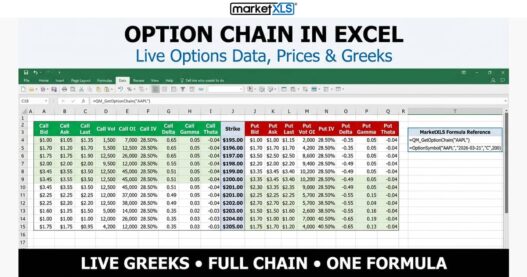
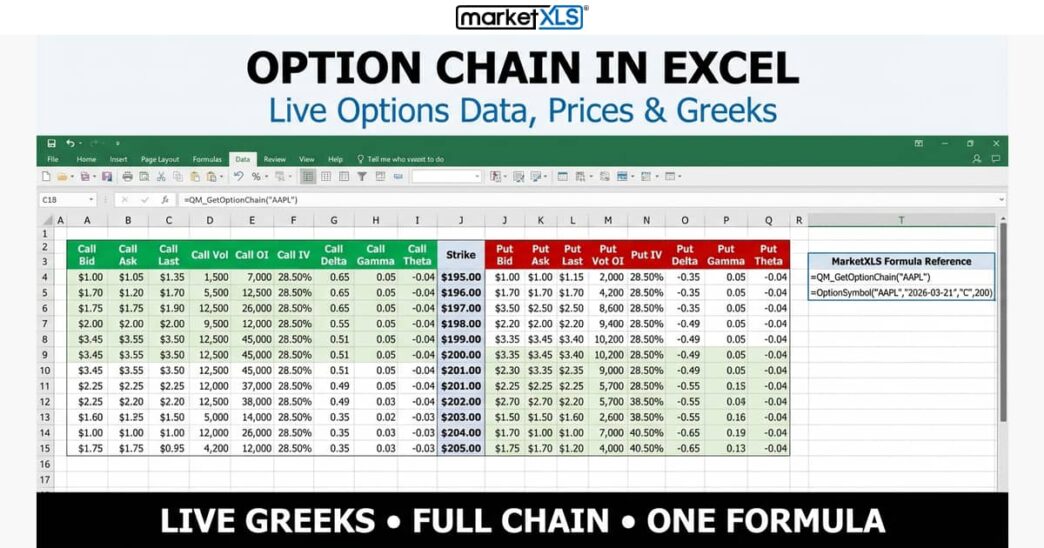
When people look for a MarketXLS review, the main question is usually simple. Does it actually help with trading decisions or is it just another spreadsheet add on that looks better than it performs.
This MarketXLS review focuses on how the platform supports real trading workflows inside Excel. It also looks at whether it genuinely saves time for users who track stocks, analyse data, and build strategies without switching between multiple tools.
Market Data Access Inside Excel Without Extra Complexity
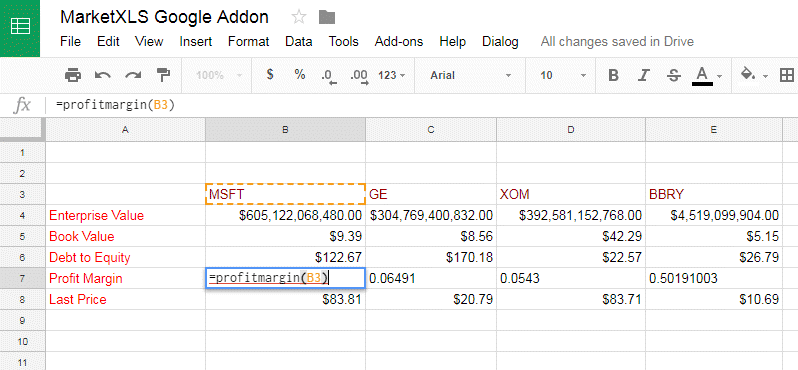
One of the strongest points in MarketXLS is how it brings live market data directly into spreadsheets.
- real time and delayed stock market data inside Excel
- access to historical price data for analysis
- ability to pull financial ratios and company fundamentals
- reduces need for separate charting or data platforms
This setup is useful for traders who prefer working in Excel rather than switching between dashboards. Compared to standalone platforms, it keeps everything in one familiar environment.
Pre Built Excel Functions That Save Manual Work
A major part of any MarketXLS review is how it handles formulas and functions. Instead of building everything from scratch, users get ready made tools.
- pre built formulas for stock screening and valuation
- functions for option pricing and analysis
- simplified commands for pulling market data
- reduces repetitive manual spreadsheet setup
This is where MarketXLS stands out compared to traditional Excel usage. Instead of spending hours building formulas, users can focus more on analysis.
Stock Screening Tools For Faster Filtering
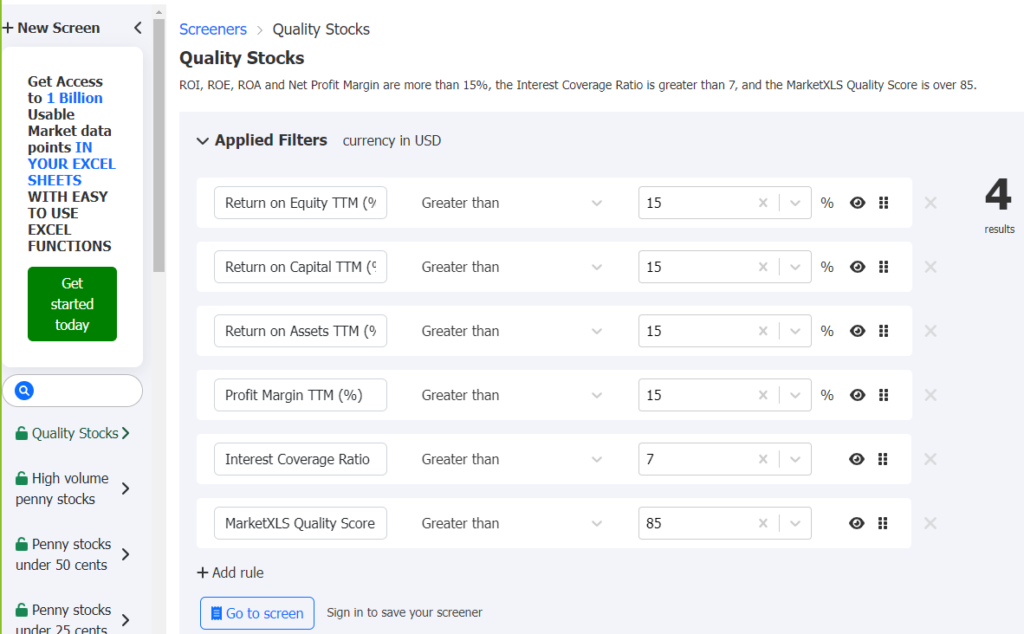
Finding the right stocks can take time, especially when working with large datasets. MarketXLS aims to simplify that process.
- built in stock screener functions inside Excel
- filters based on valuation, growth, and performance metrics
- ability to compare multiple stocks quickly
- custom screening options for different strategies
This makes it easier to narrow down opportunities without relying on external screening platforms. For active traders, this can reduce research time significantly.
Option Analysis Tools For Strategy Building
Options trading requires detailed calculations, and MarketXLS provides tools to support that workflow.
- option pricing models integrated into Excel
- payoff diagrams for strategy visualisation
- Greeks calculations for risk assessment
- simplified structure for multi leg strategies
These tools are useful for traders who want more control over analysis. Compared to basic calculators, this approach allows deeper customisation inside spreadsheets.
Portfolio Tracking Inside A Single Spreadsheet
Portfolio management is another key part of the platform.
- ability to track multiple holdings in one sheet
- real time value updates for positions
- performance tracking over time
- easy comparison of asset allocation
This removes the need for separate portfolio tracking apps. Everything stays connected within Excel, which is useful for users who prefer manual oversight.
Integration That Works With Existing Excel Workflows
One of the reasons users consider MarketXLS is that it does not require learning a new system.
- works directly inside Microsoft Excel
- no need for separate standalone software
- compatible with existing spreadsheet models
- easy to integrate into personal trading setups
You can explore more details through the MarketXLS , where the tools are built around existing Excel workflows rather than replacing them.
This approach is helpful for users who already rely on spreadsheets for trading decisions.
Learning Curve And Practical Usability
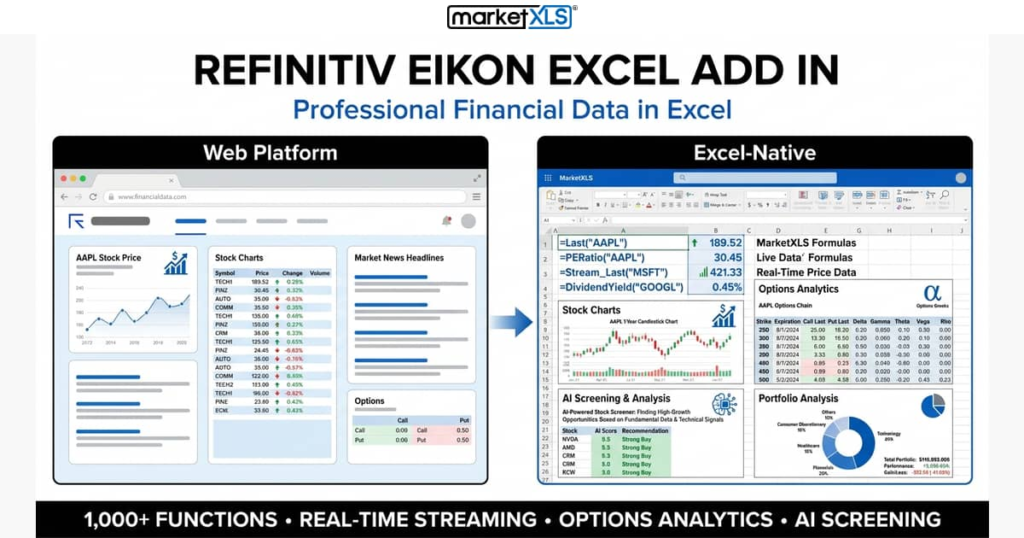
Like any advanced Excel based tool, there is a learning curve involved.
- initial setup may take time for new users
- requires basic understanding of Excel functions
- documentation helps but still needs practice
- becomes easier with regular use
While experienced Excel users may adapt quickly, beginners might need time to get comfortable with the structure.
Where MarketXLS Could Improve
Even with strong functionality, there are areas that could be refined.
- interface depends heavily on Excel knowledge
- limited standalone dashboard outside Excel
- advanced features may feel complex for beginners
- pricing may not suit casual investors
These points matter most for users who prefer simple plug and play trading tools.
Key Features That Define The MarketXLS Experience
- real time and historical market data inside Excel
- pre built financial and trading formulas
- stock screening tools for faster analysis
- option strategy and pricing models
- portfolio tracking within spreadsheets
- seamless integration with existing Excel workflows